Fox ESS EV Charger
Voraussetzungen
Consolinno Leaflet HEMS
FoxESS EV Charger
WLAN-Verbindung am Installationsort der Wallbox

Leaflet und die Wallbox müssen sich im selben (Heim-)Netzwerk befinden.
Wichtig: Verwenden Sie nicht gleichzeitig die HEMS-App und die Wallbox-App zur Steuerung. Dies könnte zu Ladeproblemen führen.
Kompatible Geräte
FoxESS EV Charger A022KP1
Anschluss
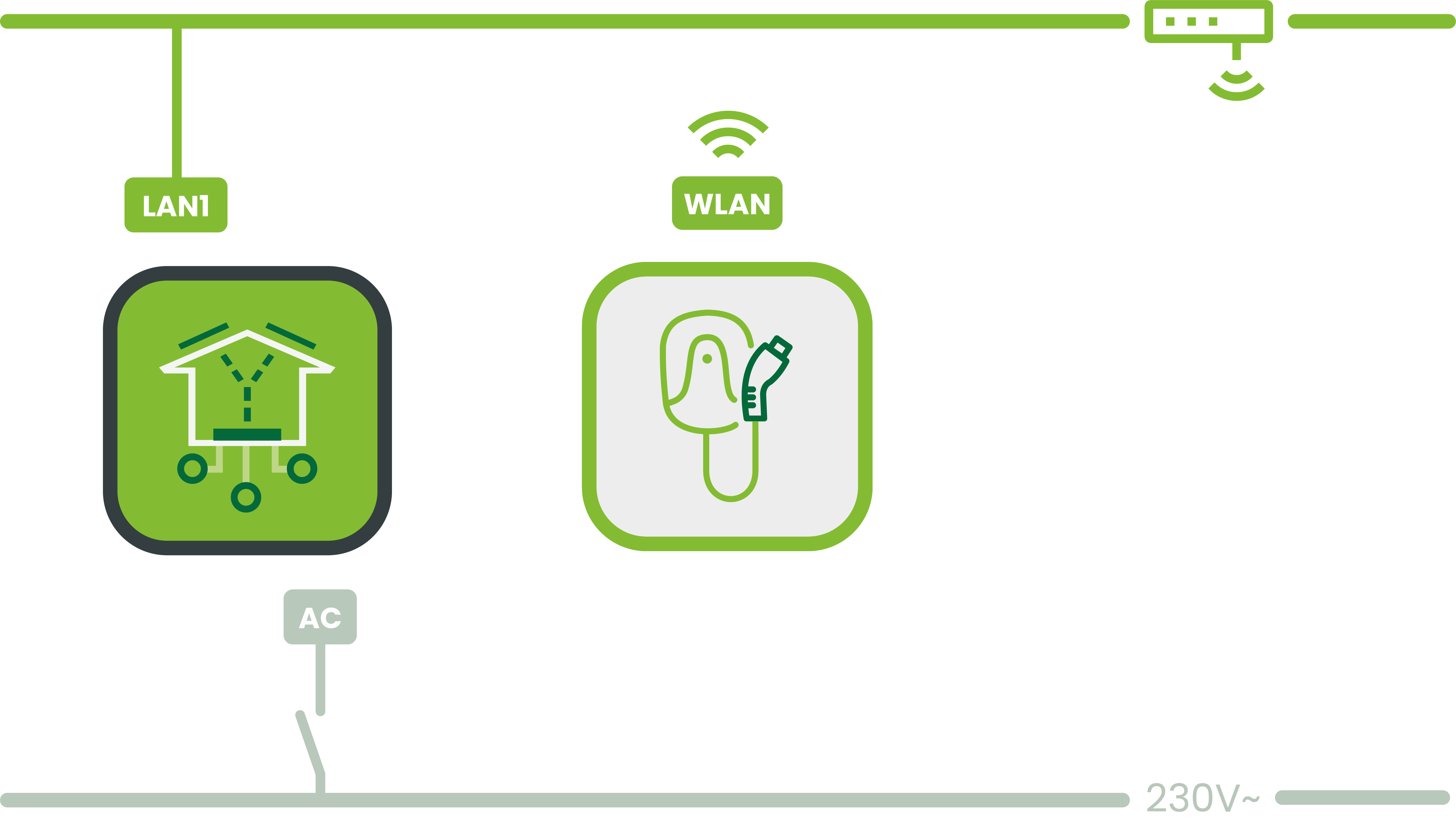
Anleitung
Installation und Einrichtung der Wallbox nach Herstelleranleitung
Konfiguriere das Netzwerk:
Aktiviere Bluetooth am Smartphone
Öffne die Elite Charger App und lege einen Account an
Füge die Wallbox hinzu
Konfiguriere das WLAN: Verbinde die Wallbox mit dem Heimnetzwerk
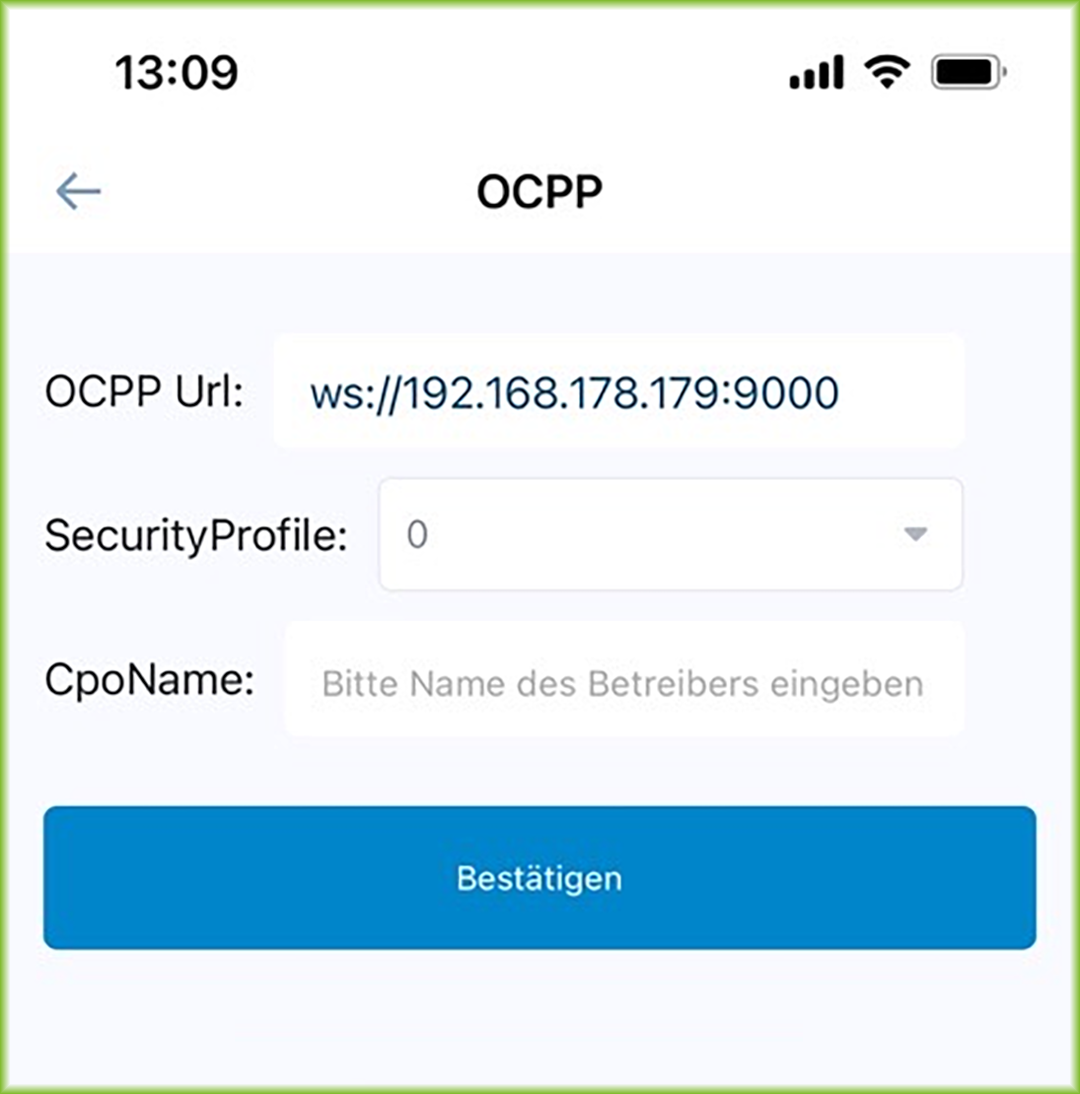
Konfiguriere OCPP:
Trage die IP-Adresse des Leaflet HEMS als OCPP-Server ein und bestätige
Integriere die Wallbox in Leaflet HEMS:
Starte die Einrichtung in der Leaflet HEMS App per Inbetriebnahme-Assistent
Wähle Fox ESS Wallbox
Die OCPP Wallbox wird gesucht
Gefundene Wallbox bestätigen – Einrichtung ist abgeschlossen